
When you click on the embed icon (</>) on a film’s page, a black window will appear containing the embed code. By copying this code into your blog page, you will be able to identify the viewing thumbnail’s dimensions directly within the code, for example:
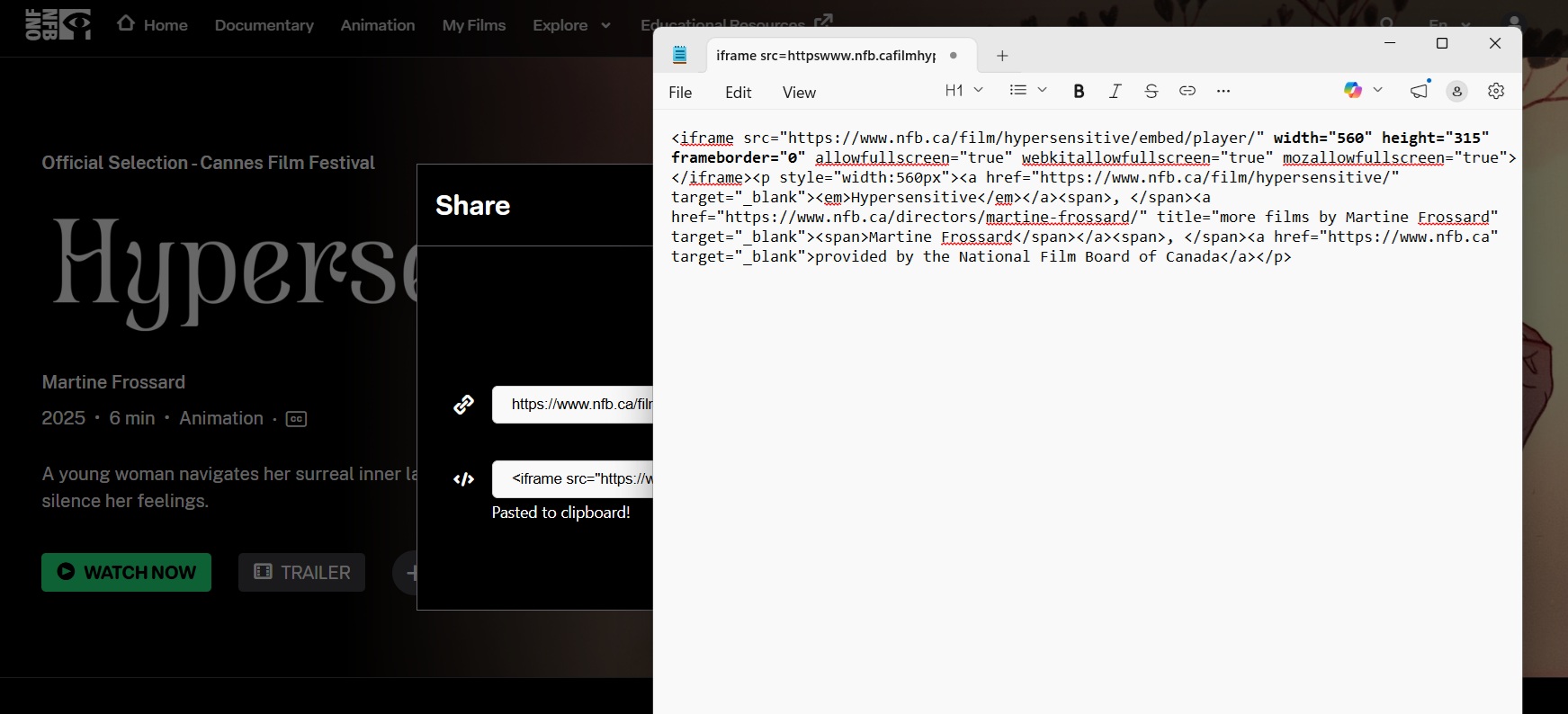
You can modify the thumbnail’s dimensions right in the embed code. Once that’s done, simply copy the code and paste it into your blog or website.